
Download for iOS
Install ADE Mobile from TestFlight, then pair it with your Mac.
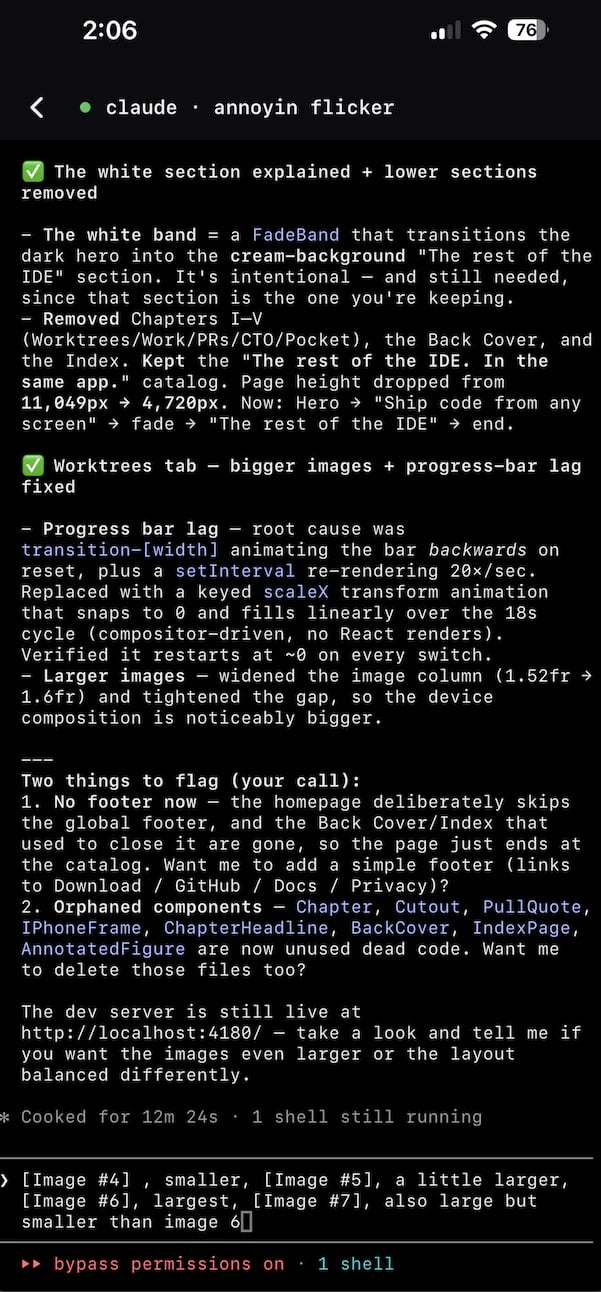
Chat with agents from your phone
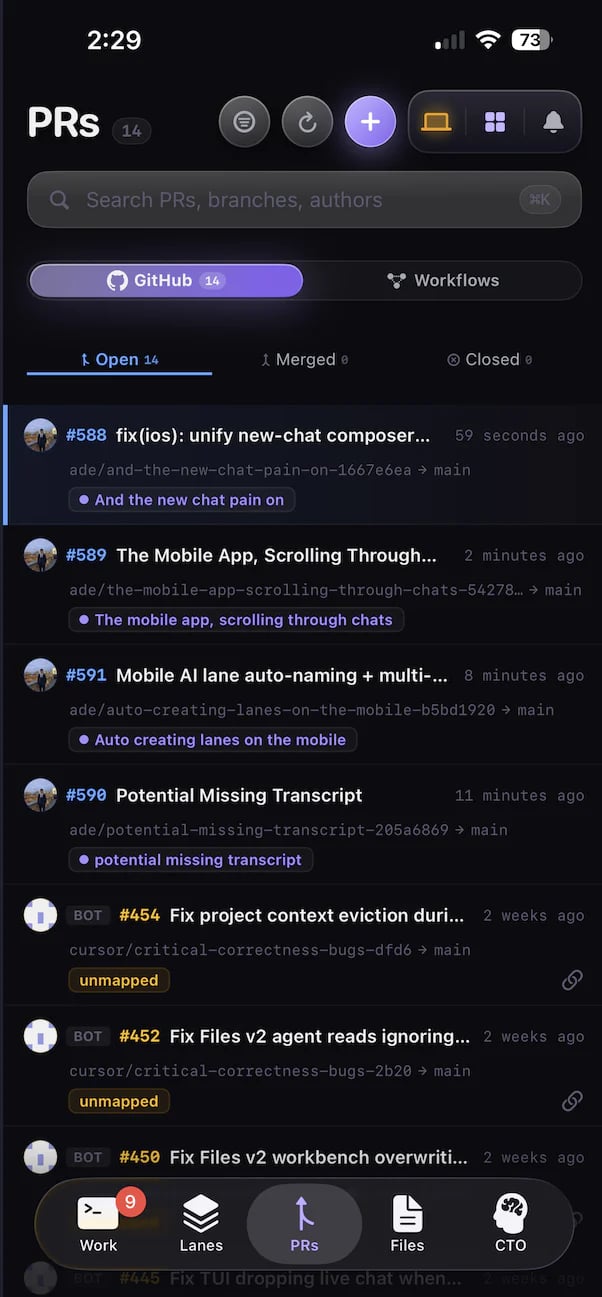
Review and merge PRs on the go
What mobile is for
Follow active work
See lanes, chats, PRs, and worker activity update live while you are away from the desktop.
Run agents
Start a new chat or continue an existing one — the agent runs on the Mac, the transcript streams to your phone.
Review and merge PRs
Read the diff, CI status, and comments, then merge when it is green — without opening a laptop.
Stay synced
The same lanes and sessions follow you between desktop,
ade code, and the phone over one live connection.Pair your phone
Pairing links the app to your Mac’s runtime with a one-time PIN. Generate the PIN on the desktop (or from the CLI), enter it on the phone, and the app connects.1
Install ADE Mobile
Open TestFlight on your iPhone and install ADE Mobile.
2
Generate a PIN on the Mac
Open the desktop Mobile control and generate a pairing PIN, or run
ade brain pin generate from any shell.3
Enter the PIN on iOS
Open the ADE app on your iPhone and type the PIN to pair with your machine.
4
Confirm the connection
The phone shows your project catalog and current lanes; the desktop lists the device as paired. From here, lanes, chats, and PRs stream live.
Pair from the terminal
Pair from the terminal
The pairing PIN is owned by the machine’s ADE brain, so you can manage it without the desktop UI:Run
ade brain --help to see every flag.Review and merge from anywhere
A PR your agents opened shows up on the phone with its diff, CI status, and comments. Read it, leave the work running on the Mac, and merge when it goes green.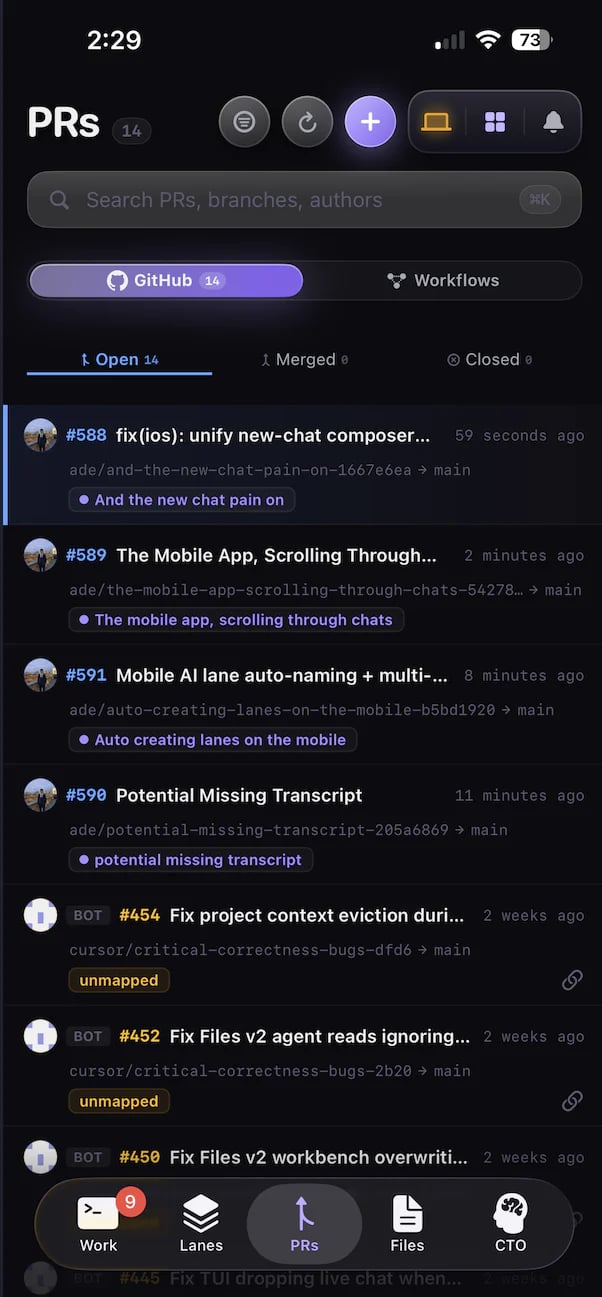
The full PR thread on iOS — diff, checks, and the merge button.
What to expect
- The Mac must be running — agents execute on the desktop runtime, and the phone mirrors them.
- Connection is a live WebSocket, so lanes, transcripts, and PR state update as they change. No manual refresh.
- Network reachability matters. Local Wi-Fi is simplest; a tailnet makes reconnection easy when you leave the house.
- Large artifacts and diffs load on demand.
- Source and project data stay tied to the paired Mac. The phone holds no checkout.
If the app looks connected but updates do not arrive, check the desktop Mobile control first, then confirm both devices can reach each other on the network.
ade code (terminal)
The same lanes and chats in a fast terminal UI.
Pull requests
How PRs are created, reviewed, and merged in ADE.