
Cmd+O (Ctrl+O on Windows). Choose the root of a Git repository, or clone one straight from GitHub. If you pick a subfolder, ADE finds the repository root automatically.
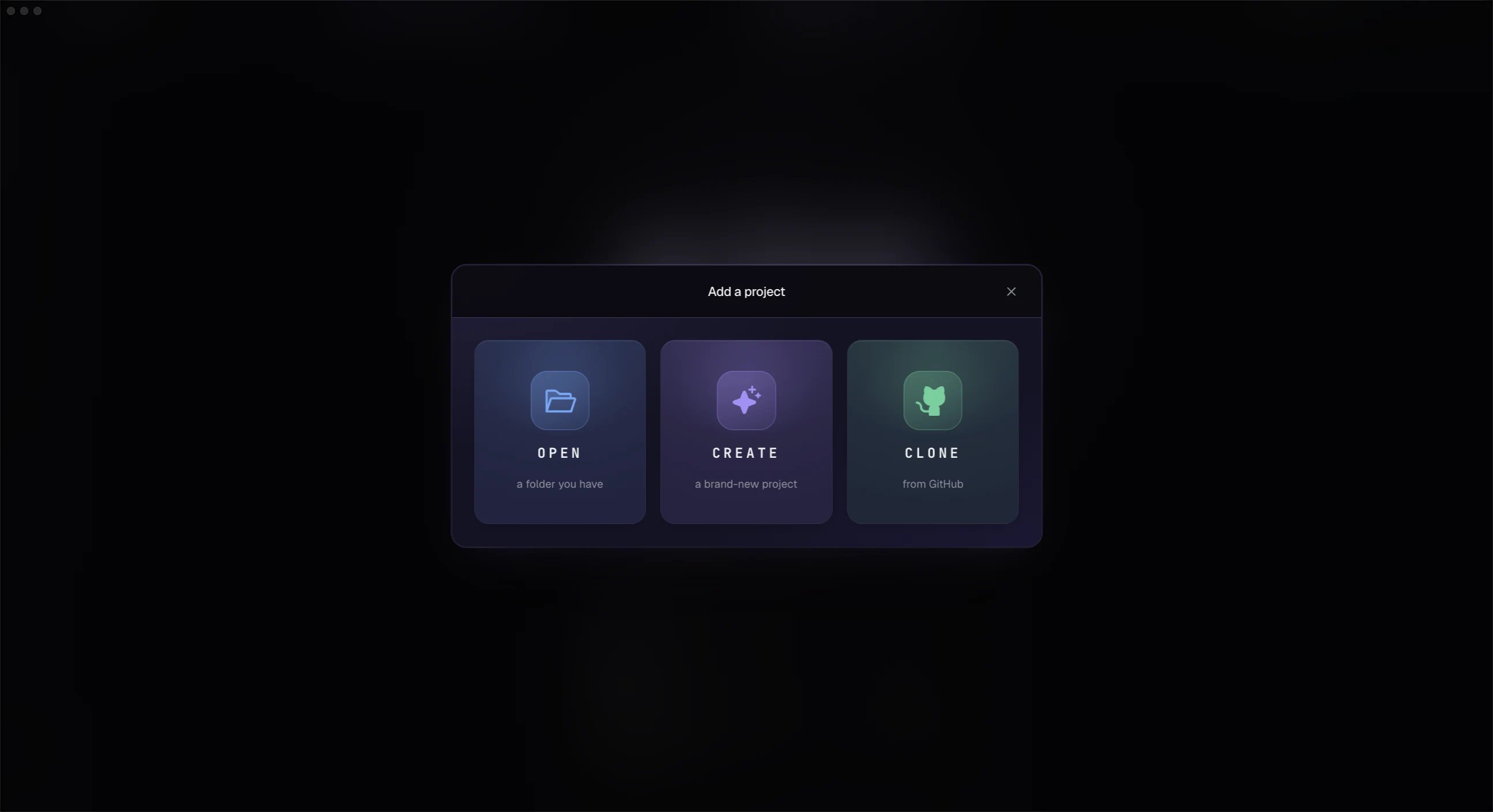
Open a repository or clone from GitHub
What ADE creates
On first open, ADE creates a local.ade/ directory:
.ade/worktrees/, so agent work never touches your main checkout until you choose to merge it.
If the folder you pick is itself a Git worktree of another repository, ADE recognizes that and offers to open it as a lane in the owning project instead of creating a duplicate project. See Repos and worktrees.
First setup
The setup flow checks the basics:- Git is installed.
- At least one AI provider is ready.
- GitHub is available if you want PR management.
- Linear is available if your team uses it.
- Optional mobile pairing can be configured later in Settings.
After opening
Create a lane before running your first agent. That keeps your primary checkout clean and gives the task its own branch and worktree.Create your first lane
Start isolated work for a small task.
Connect a provider
Make sure at least one agent is ready to run.