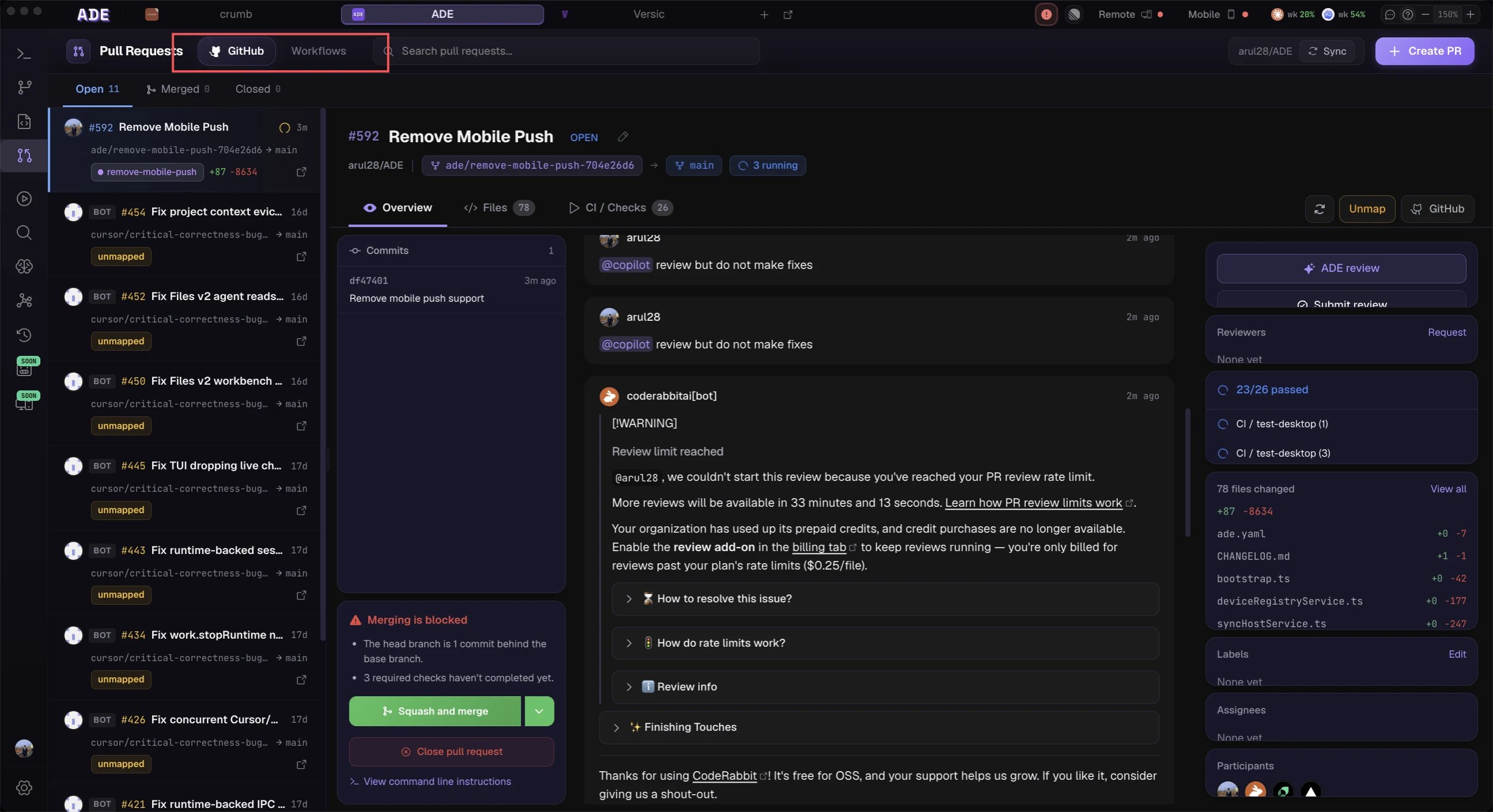
Stacked PRs break large features into a chain of small, reviewable pull requests that build on each other. ADE’s lane system makes this workflow natural — each PR lives in its own lane, and the stack topology is tracked automatically.

1. Create the Base Lane

Start by creating a lane for the first PR in your stack.
1

Open the Lanes panel

Navigate to Lanes in the sidebar.
2

Create a new lane

Click New Lane. Set the branch name (e.g., feature/auth-models) and select main as the base branch.
3

Do your work

Switch to the new lane and make your changes — manually, with an agent, or via a mission.

2. Stack a Child Lane

Once the base lane has commits, create a child lane that builds on top of it.
1

Create a child lane

From the Lanes panel, select your base lane, then click New Child Lane. ADE automatically sets the child’s base branch to the parent lane’s branch.
2

Name the child branch

Use a descriptive branch name (e.g., feature/auth-ui). ADE tracks the parent-child relationship in the stack topology.
3

Repeat as needed

Add more children to build a deeper stack. Each lane targets the one directly above it:
main
 └── feature/auth-models      ← PR #1
      └── feature/auth-ui      ← PR #2
           └── feature/auth-tests  ← PR #3

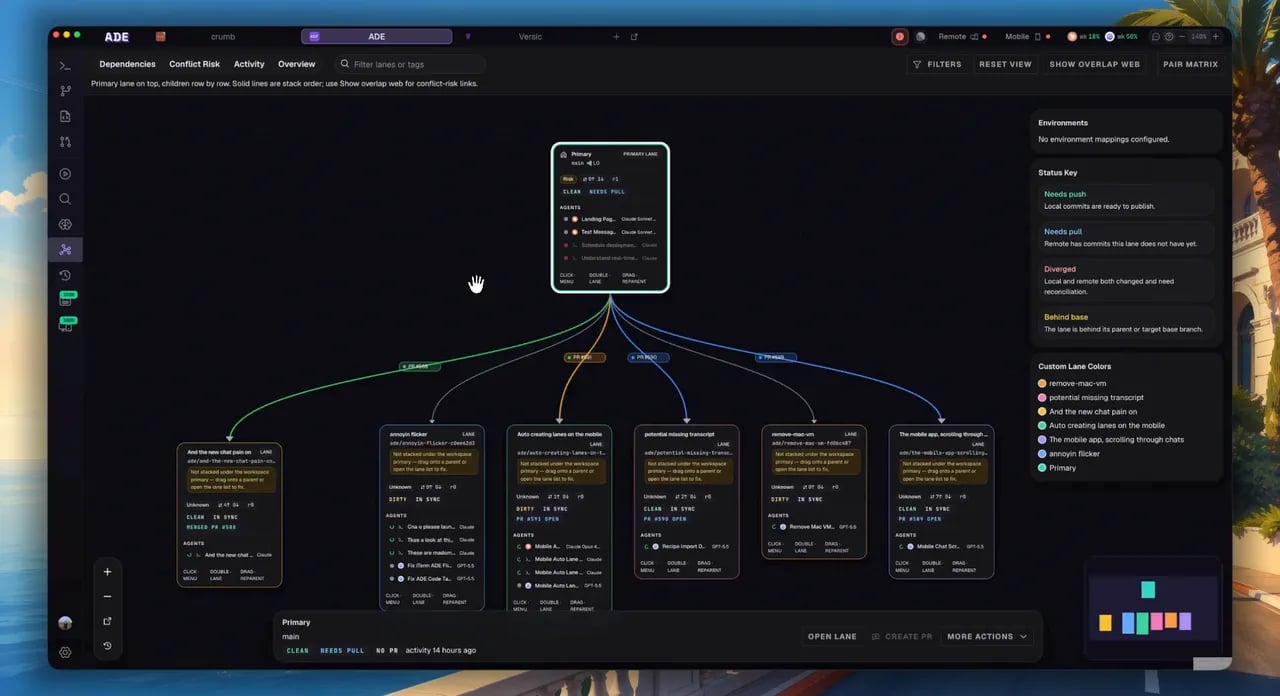
3. Visualize the Stack

Open the Workspace Graph to see your stack as a connected chain. Each lane appears as a node with edges showing the base-branch relationship. The graph shows:
  • Stack chains — connected groups of lanes forming a stack
  • Status badges — whether each lane has uncommitted changes, open PRs, or conflicts
  • Agent indicators — which lanes have active agents running
Coming soon: screenshot walkthrough of the Workspace Graph stack visualization.

4. Handle Upstream Changes

When you update an upstream lane (e.g., push new commits to feature/auth-models), ADE detects that downstream lanes are out of date.
  • Rebase suggestion — ADE surfaces a rebase suggestion on each affected child lane with a preview of the changes
  • Accept or defer — click Rebase to apply, or Defer to handle it later
  • Conflict detection — if the rebase would cause conflicts, ADE flags them before you attempt the rebase
ADE runs merge simulations automatically between stacked lanes. Conflicts are surfaced in the Conflicts view before they block your work.

5. Open Stacked PRs

Open a PR for each lane in the stack, starting from the bottom:
1

Open PR for the base lane

From the lane’s context menu or the PR panel, open a pull request targeting main.
2

Open PRs for child lanes

Each child lane’s PR targets the parent lane’s branch. ADE sets this automatically based on the stack topology.
3

Review in order

Reviewers can review each PR independently. The stacked topology is visible in the PR descriptions.
Coming soon: automated PR description generation with stack context.

6. Land the Stack

Land stacked PRs from the bottom up. ADE provides queue-based landing to handle this:
1

Merge the base PR

Merge the bottom PR into main through your normal GitHub flow.
2

Retarget child PRs

After the base merges, retarget the next child PR to main (or let ADE suggest this automatically). Rebase if needed.
3

Repeat up the stack

Continue merging and retargeting until the entire stack is landed.
Coming soon: one-click stack landing with automatic retargeting and rebase.

Tips

  • Keep each lane in the stack focused on a single concern — this makes reviews faster and conflicts rarer.
  • Use the Workspace Graph to spot when a stack is getting too deep (more than 3-4 levels can be hard to manage).
  • Run agents in child lanes while the parent is in review — ADE isolates them so work is not blocked.

Next Steps

Lane Concepts

Understand lane types, packs, and environment isolation.

Running Multiple Agents

Assign agents across your stack for parallel development.