Documentation Index
Fetch the complete documentation index at: https://ade-app.dev/docs/llms.txt
Use this file to discover all available pages before exploring further.
Why lanes matter
A lane is ADE’s unit of parallel work. Each lane has its own git worktree, branch, port allocation, Lane Pack, and conflict tracking. Without lanes, every agent would write to the same working directory simultaneously.The Primary Lane is your main repository checkout. It always exists and cannot be deleted. For agent-driven work, create a Worktree Lane — this keeps the primary checkout clean and lets you work manually without interference.
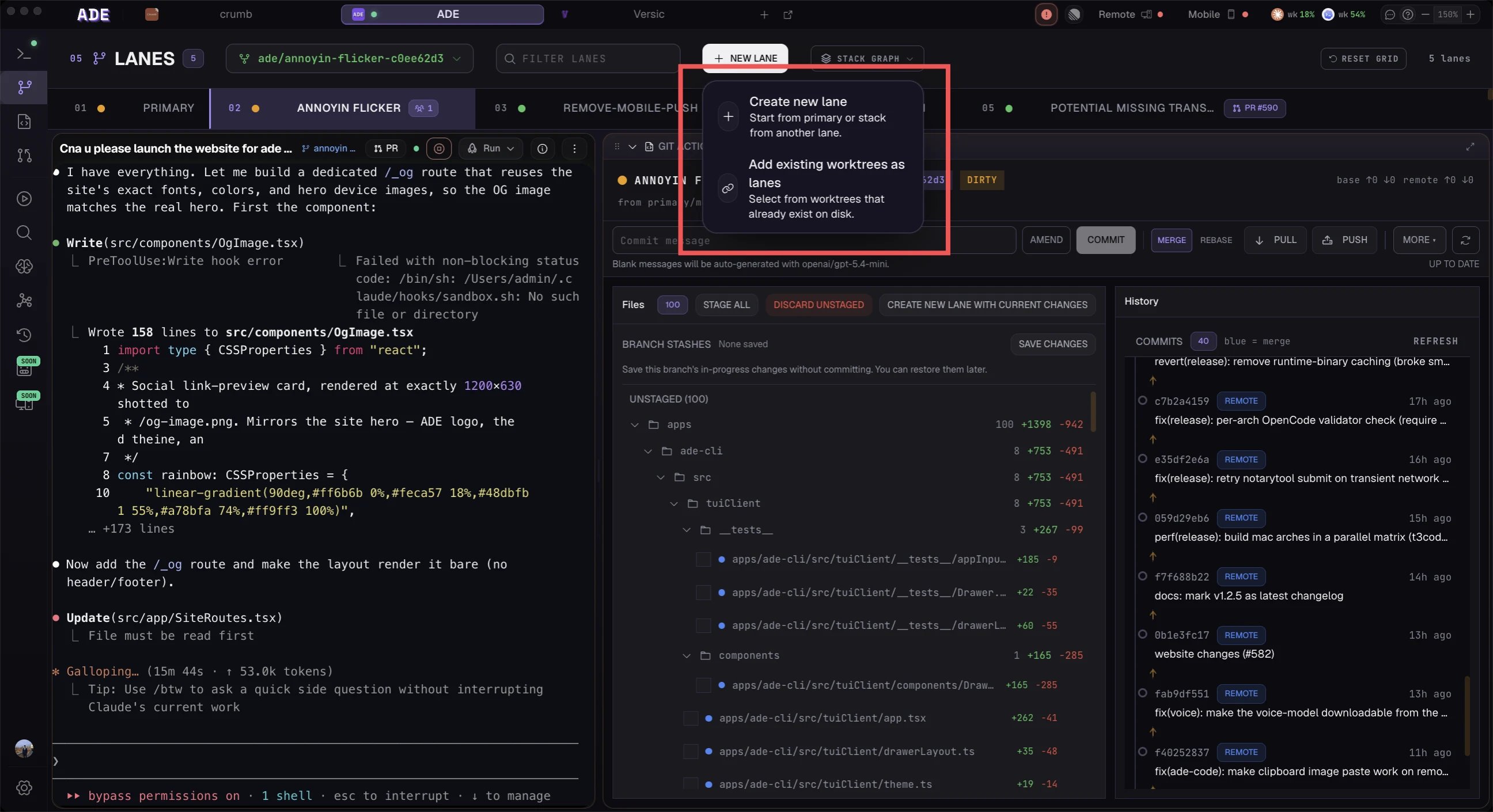
Create a lane
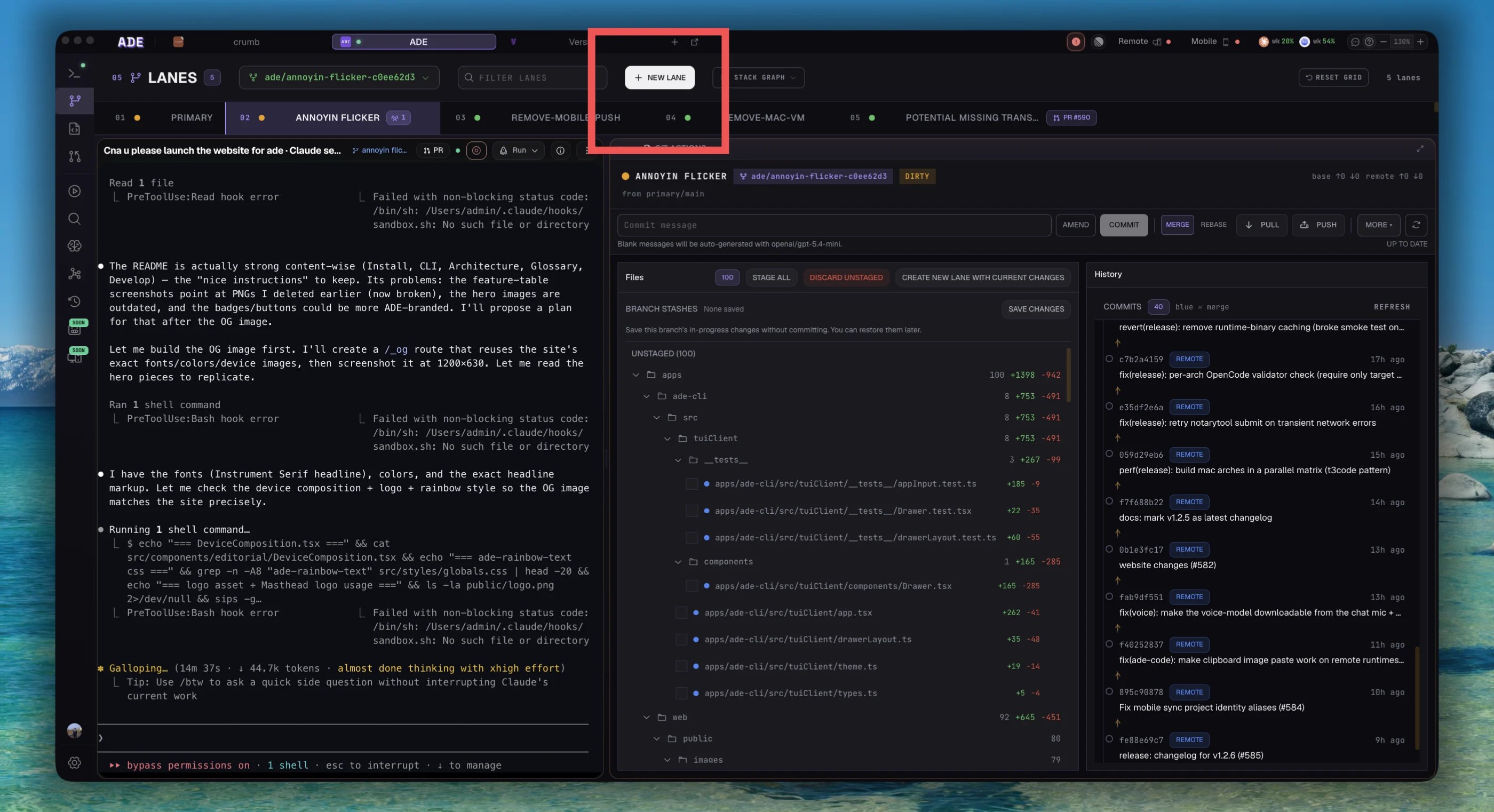
Open the Lanes view
Click the Lanes icon (branch icon) in the left sidebar, or press
Cmd+Shift+L to jump directly to the new lane dialog.Choose a name
Enter a short, task-oriented name. ADE uses this as both the lane identifier and the worktree directory name.Good names describe the work:
add-health-endpointfix-auth-redirectrefactor-payment-api
test or feature-1 — they become confusing when you have several lanes open at once.Select a base branch
Choose which branch this lane branches from. For your first lane, select your project’s default branch (usually
main or develop).For stacked work, you would select another lane’s branch as the base. See Stacked Lanes for details.Configure the environment (optional)
Expand the Advanced section to set:
- Environment variable overlays — key-value pairs applied only in this lane (e.g.,
DATABASE_URLpointing to a test database) - Startup command — a command ADE runs when the lane initializes (e.g.,
npm run dev) - Port offset — override the auto-assigned port if needed
Create the lane
Click Create Lane. ADE will:
- Run
git worktree addto create the isolated directory under.ade/worktrees/<lane-name>/ - Initialize the lane environment (port lease, env overlay)
- Generate an initial Lane Pack from the branch state
- Add the lane to the list with
idlestatus
Verify the lane is ready
Once created, your new lane appears in the lane list with a grey dot (idle status). Confirm:
- The lane name and branch are correct in the list
- Click the lane to select it — the center pane shows the lane detail with a clean diff (no changes yet)
- The right inspector’s Packs sub-tab shows a freshly generated Lane Pack
Naming guidance
| Convention | Example | When to use |
|---|---|---|
| Feature prefix | feature/user-preferences | Following git-flow or similar branch conventions |
| Task-oriented | add-health-endpoint | Quick, descriptive — works well for most tasks |
| Issue-linked | linear/ENG-142 | When the CTO creates lanes from Linear issues |
| Hotfix | hotfix/auth-redirect | Urgent fixes that need fast-tracked review |
Next steps
Run your first agent
Use Agent Chat for a quick task or launch a Mission for structured execution.
Lanes deep dive
Learn about lane types, status indicators, the 3-pane layout, and health monitoring.